
Your Front Desk Runs Itself
Let clients check themselves in, join a smart walk-in queue, and pay a deposit at the door, while a fair turn rotation decides who is next. No receptionist required, no arguments over walk-ins.
- No long-term contracts
- Free migration
- Live in ~10 minutes
- Support 7 days a week

Welcome to Luxe & Co
Kiosk ModeCheck In
Scan with your phone to join the line
Turn Any Tablet Into A Front Desk That Never Takes A Break
Set a device at your entrance and let clients check themselves in. They scan a QR code, join as a walk-in, book an appointment, watch their place in line, or browse your menu, no receptionist required.
- QR check-in: clients scan, confirm, and they are in the queue in seconds
- Walk-in join, book an appointment, or check waitlist status from one screen
- A dedicated kiosk role and device mode locks the tablet to the check-in flow
- Full-service menu on screen so clients see services and prices before they sit down
- Kiosk and booking menu in multiple languages for your multilingual clientele
Welcome to Luxe & Co
Kiosk ModeCheck In
Scan with your phone to join the line
Collect The Deposit Before The Chair Is Even Warm
The kiosk does not just check people in, it takes payment. Walk-ins choose Tap, Enter Card, or Pay In-Person right at the screen, so you capture a card on file or charge a deposit before the service starts.
- Client picks Tap to Pay, manual card entry, or Pay In-Person at check-in
- Capture a card on file or charge a walk-in deposit on the spot
- Deposits and no-show or cancellation fees are configurable per service
- Fewer walkouts and no-shows because there is money on the ticket from minute one
Secure Your Spot
Walk-In · Men’s Cut
Refundable Deposit
$15.00
Applied to your total at checkout
Everyone Knows Who Is Next, Including The Client
A real-time queue shows pending, ready, and all walk-ins at a glance. When it is a client’s turn, Perceny texts them automatically, and stale entries finish themselves so your list never clogs up.
- Pending, Ready, and All views keep the whole front desk on the same page
- Automatic “You’re ready” SMS goes out the moment it is the client’s turn
- Stale entries auto-finish so abandoned walk-ins don’t jam the list
- Works with or without a kiosk, staff can run the queue from the dashboard
Walk-In Queue
Jada P.
Silk Press
Maya R.
Blowout
Chloe D.
Layered Cut
Sasha T.
Gloss Refresh
Turn-Based Fairness Ends The Walk-In Arguments
Perceny tracks whose turn is next with a rotating “shift head.” When a stylist clocks in or out, takes a break, or a ticket cancels, the next walk-in is reassigned automatically, and everyone affected gets a heads-up. No favoritism, no front-desk politics.
Auto
Reassigns when a stylist clocks in, out, or takes a break
0
“Whose walk-in is this?” arguments on the floor
Live
Affected stylists get notified the moment turns shift
Turn Rotation
Auto-balancedMarisol
Up next, taking Jada P.
Ava
On break · back in 8 min
Diana
Then Diana
Ava clocked out for break, queue reassigned to Marisol.
Know Who Showed Up Before They Reach The Desk
Reminders let clients tap “I’m coming” to confirm, and your team marks them Arrived or Checked-in with one tap. The front desk sees live status, and both the manager and the assigned stylist get notified.
- Clients confirm “I’m coming” straight from their appointment reminder
- Staff mark Arrived or Checked-in with a single tap
- Live front-desk board shows exactly who is here and who is running late
- Manager and the assigned stylist are both notified on arrival
Today’s Arrivals
2:10 PMDanielle R.
1:45 PM · Balayage
Leah M.
2:00 PM · Cut
Priya S.
2:20 PM · Color
Manager and stylist notified when a client checks in.
Paperwork Done Before They Sit Down
No more clipboards or chasing signatures at the desk. Intake, consultation, and consent forms reach clients while they book online, at the kiosk, or as they join the walk-in line, and the signed answers are waiting on their profile when they arrive.
- Start from Intake, Consultation, Waiver/Consent, or Feedback templates, or build your own
- Signatures, photo and file uploads, ratings, yes/no, dropdowns, and more
- Shown during online booking, at the kiosk, in the walk-in flow, or through a direct link
- Ask every visit, or once per client with an optional renewal, like a yearly waiver
- Print any signed submission, and review every answer in the Form Answers report
Color Consultation
Priya S. · signed at online booking
Any scalp sensitivity or allergies?
Yes, sensitive to ammonia
Last color service
About 3 months ago
Inspiration photo
copper-balayage.jpg
I consent to the patch test and color service
Priya Shah
On her profile before she arrives
PrintA Cancellation Fills Itself In Seconds
When a booked client cancels, that empty slot is lost revenue, unless it fills itself. Perceny matches waitlisted clients to the opening and notifies them automatically, so gaps close without a single phone call.
- Clients join the waitlist for the times they actually want
- A freed-up slot instantly notifies matching waitlisted clients
- You recover revenue that used to walk out the door on every cancellation
- No manual call-downs, the platform does the outreach for you
Slot Opened
Fri · 4:30 PMCancellation detected
Matching your waitlist automatically…
Nina K.
Wants Fri after 4 PM
Olivia B.
Wants any evening slot
Tara V.
Wants Sat morning
Nina got the offer text, first to confirm books the slot.
Never Double-Book The Facial Room Again
Some services need more than a stylist. Assign rooms, chairs, and equipment to the services that use them, and Perceny only offers times when the resource is actually free, so two clients never show up for the same room.
- Assign rooms, chairs, and equipment to the services that need them
- Online booking and your team only see times when both the staff member and the room are free
- Set a capacity per room, so a shared space books up to its limit and never past it
- The Room Utilization report shows which rooms earn their rent and which sit empty
Rooms · Today
Luxe & CoFacial Room
10:00
Hydrafacial · Nina
11:00
Brow Lamination · Olivia
12:00
Open
Color Bar
10:00
Open
11:00
Balayage · Danielle
12:00
Gloss · Tara
11:00 Hydrafacial hidden online, the Facial Room is taken.
Every Dollar In The Drawer Is Counted And Audited
Open and close register sessions with real cash counts, and kick the physical drawer only for logged reasons. Every open is tied to a why, a sale, a refund, a manual count, so nothing goes missing without a trace.
- Open and close sessions with an opening float and a counted total
- Automatic over/short reconciliation at close
- Physical drawer kick on charge, refund, deduction, count, or adjustment
- Scan gift cards by barcode right at the desk from the mobile app
- Every manual drawer open is logged with an audited reason
Register Session
OpenDrawer opened 6 times today · reasons: charge, count, refund
See What People
Say About Perceny





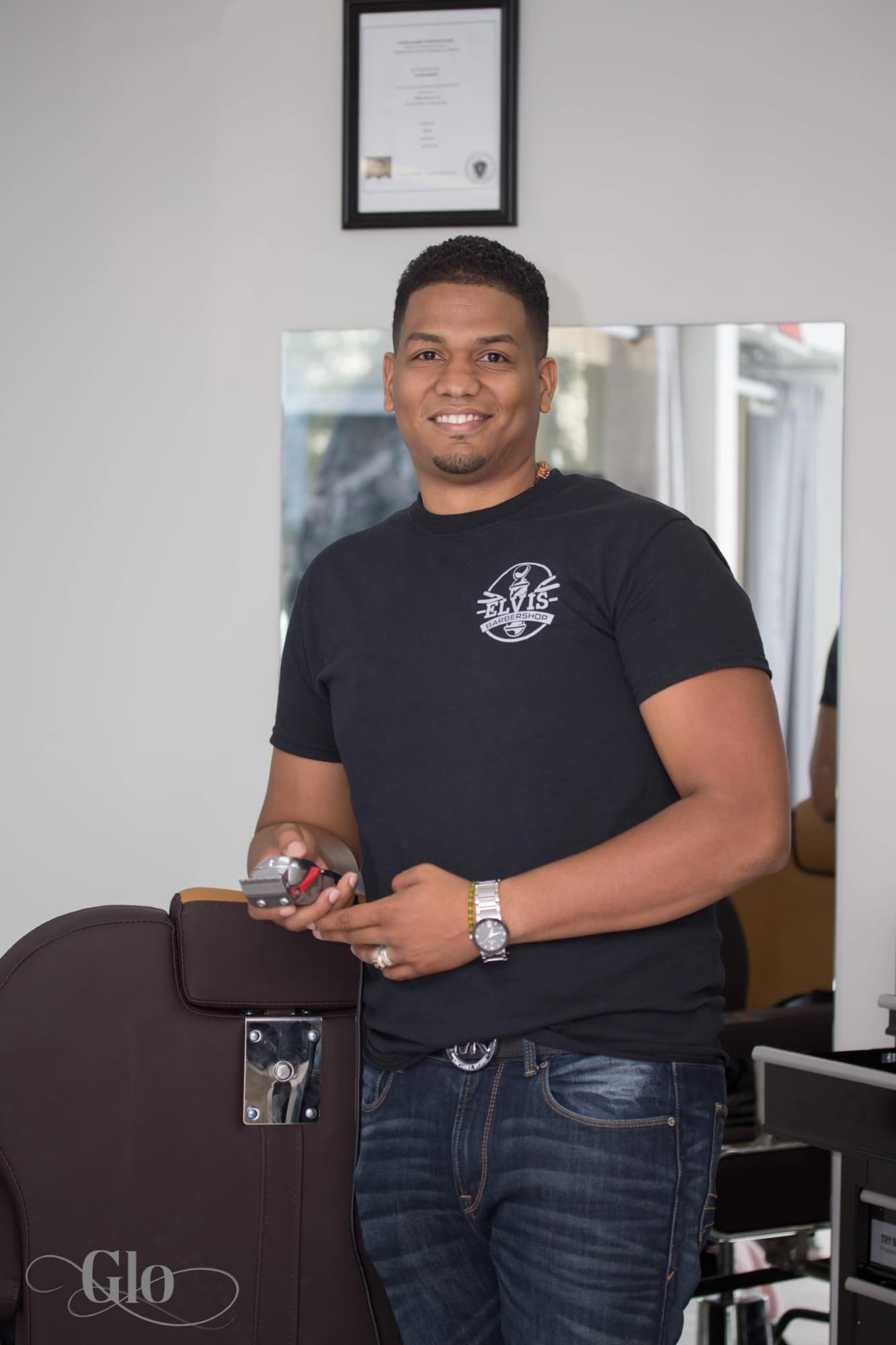

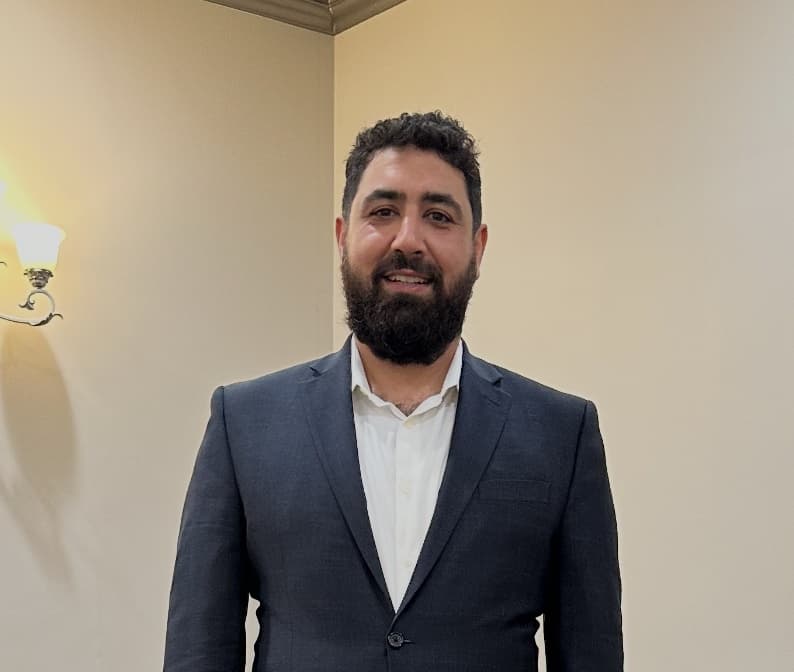




Perceny has been a breath of fresh air. The system is operationally sound and gives us so much more stability with booking and payment processing. Since joining we’ve convinced a lot of other shops in our state to join too. The system is industry leading, the service is phenomenal, and our revenue and client retention have increased immensely.
Jaymes XayaCEO at Lavish By Minor DetailsFrequently Asked Questions
Discover the questions we get asked a lot to easily find answers to common questions.
Still have Questions?
Book a Demo and our team will walk you through everything.
No. Kiosk mode runs on any tablet or computer with a browser. Set a device at your entrance, switch it into the dedicated kiosk role, and clients can check themselves in, no proprietary hardware to buy.
Give Your Front Desk A Break It Actually Deserves.
Self check-in, a fair walk-in queue, and deposits at the door, set up in about 10 minutes.
- No long-term contracts
- Free migration
- Live in ~10 minutes
- Support 7 days a week