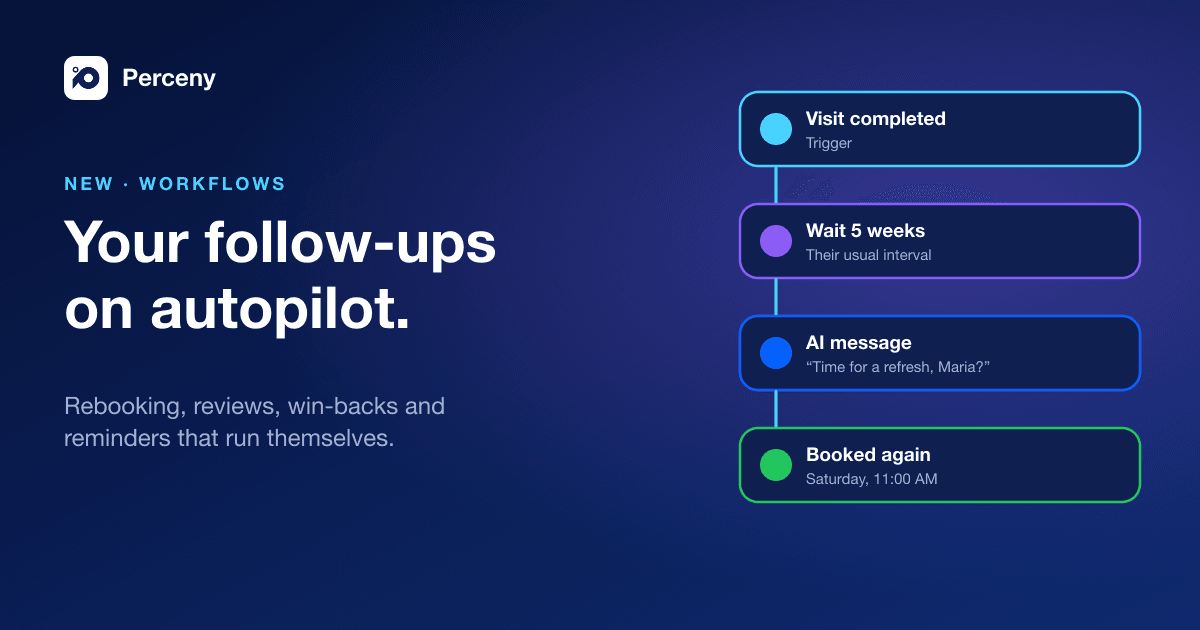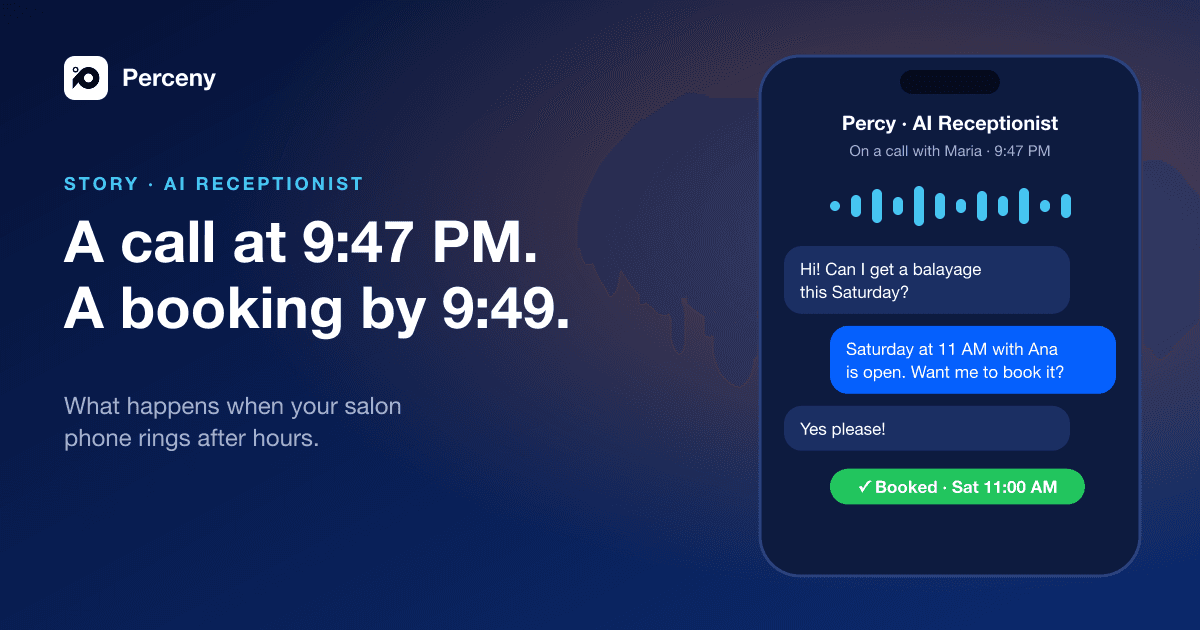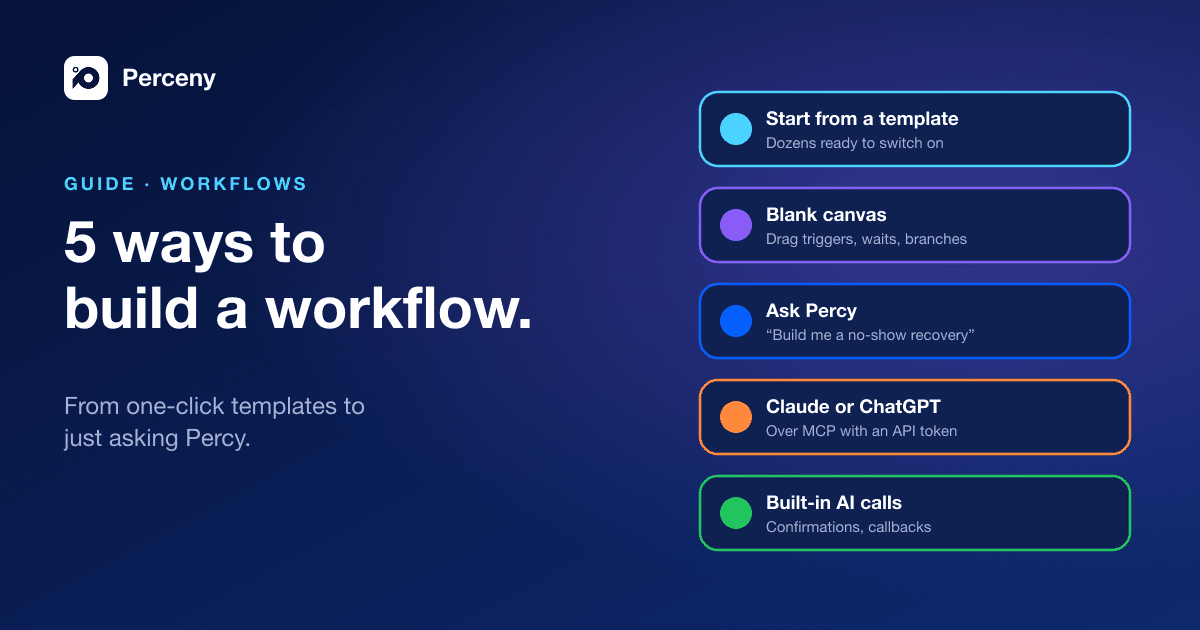
Workflows are only useful if you actually turn them on. So we made sure there is more than one way in, whether you like to tinker or would rather describe what you want in a sentence.
1. Start from a templateCopy a link to this section
The fastest way. Under Automation & AI → Workflows, pick a template, read what it does, adjust the wording and timing, and publish. There are templates for the moments that matter most to a salon:
- Rebook at Their Natural Interval and Aftercare and Rebook
- Win Back At-Risk Clients and Birthday Offer
- Invite Clients to Share a Public Review and Low Rating Recovery
- No-Show Recovery, Chase Unconfirmed Appointments and Finish Abandoned Bookings
- Missed Call Text-Back and After-Hours Auto-Reply
Start with one. Most salons see the difference from a single rebooking workflow.
2. Build it on a blank canvasCopy a link to this section
Create Workflow opens a blank canvas. Pick a trigger (an event, a schedule, a date on the client's record or an overdue visit), then add steps: messages, waits, If/Else branches, A/B splits and goals. Test before publishing, and every change is saved as a version you can go back to.
Still Managing Your Salon Manually?
Bookings, payments, commissions, and reports, all in one system. Stop guessing and start growing.
3. Ask Percy to build itCopy a link to this section
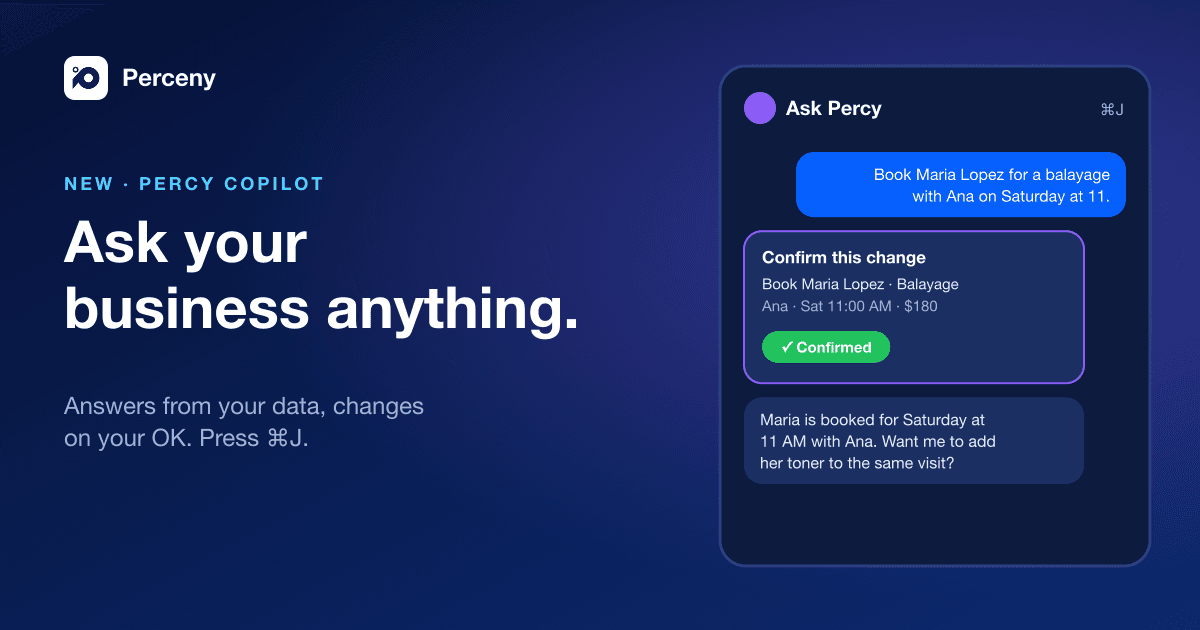
Press ⌘J (or Ctrl+J) anywhere in Perceny to open Percy, the copilot, and describe what you want:
"Build me a workflow that texts clients five weeks after a haircut to rebook."
Percy can start from a template or draft a new workflow, check it, and explain what it will do. Like every change Percy makes, nothing is published until you click Confirm.
4. Use Claude, ChatGPT or any MCP clientCopy a link to this section
If your team already works in an AI assistant, connect it to Perceny over MCP with a scoped API token. It can list templates, create workflows from them and publish, with the same permissions the token allows.
5. Switch on the built-in AI callsCopy a link to this section
Some of the most valuable automations need no building at all. Under Automation & AI → AI Assistant → Automatic Calls & Texts, switch on:
- Confirm Unconfirmed Appointments: Percy calls clients who have not confirmed.
- Text Back After a Missed Call or Call Back After a Missed Call.
- Fill Cancellations From the Waitlist.
- Remind Before a Hold Expires and Follow Up After a Hold Lapses, for deposits.
Whichever way you chooseCopy a link to this section
Every workflow respects marketing consent, quiet hours and your weekly marketing limit, and every run is logged. Workflows are included on Business and Elite. AI steps and calls are paid from your messaging credits, only when they run.