Introducing Workflows: Put Your Salon's Follow-Ups on Autopilot
The difference between a busy salon and a full one is usually follow-up. The text that reminds a client their color is due. The thank-you that asks for a review while they still love their hair. The note to the client who has not been back in three months. Everyone knows they should send them. Almost nobody has time.
Workflows are how Perceny sends them for you.
What a workflow isCopy a link to this section
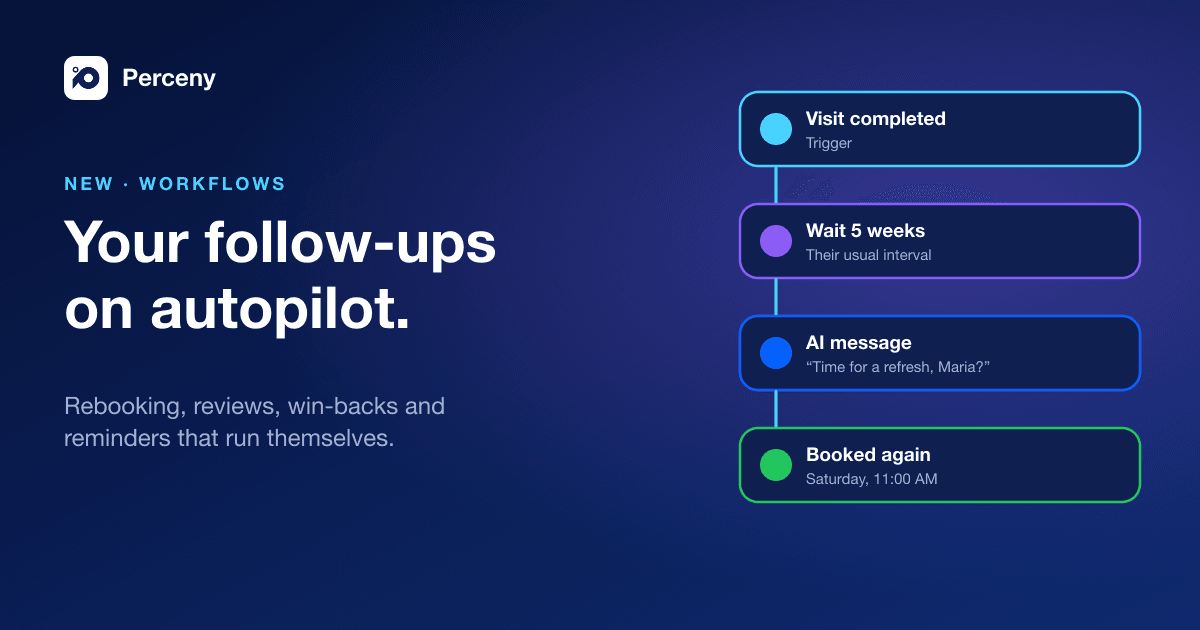
A workflow is a simple recipe: when something happens, do these things.
- When a visit is completed, a client misses an appointment, a card is declined, a client is overdue for their usual visit, it is their birthday, or any of the events Perceny tracks.
- Wait for the right moment: five weeks after a cut, two hours after a visit, or until the client replies.
- Do something: send a text, an email or a push notification, notify a team member, tag the client, send a promo code or a payment link, or create a task.
You can branch on what happened (If/Else), test two messages against each other (A/B split), wait for an event and stop when a goal is reached, such as the client booking again.
Workflows that can thinkCopy a link to this section
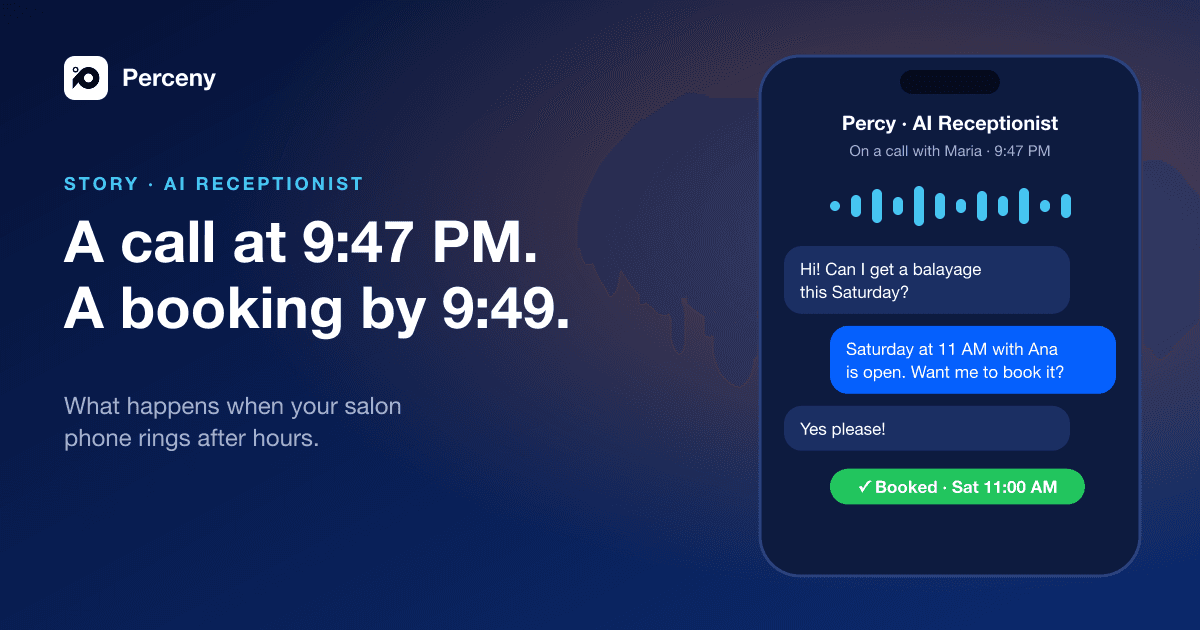
Some steps are written by AI. An AI-Written Message step writes a personal note in your salon's voice instead of a one-size-fits-all template. An AI Decision step reads a reply and picks the branch. An AI Phone Call step has Percy, our AI receptionist, phone the client. A Hand to AI Assistant step passes the conversation to Percy so it can finish the booking. AI steps are paid from your messaging credits, only when they run.
Still Managing Your Salon Manually?
Bookings, payments, commissions, and reports, all in one system. Stop guessing and start growing.
Start with what worksCopy a link to this section
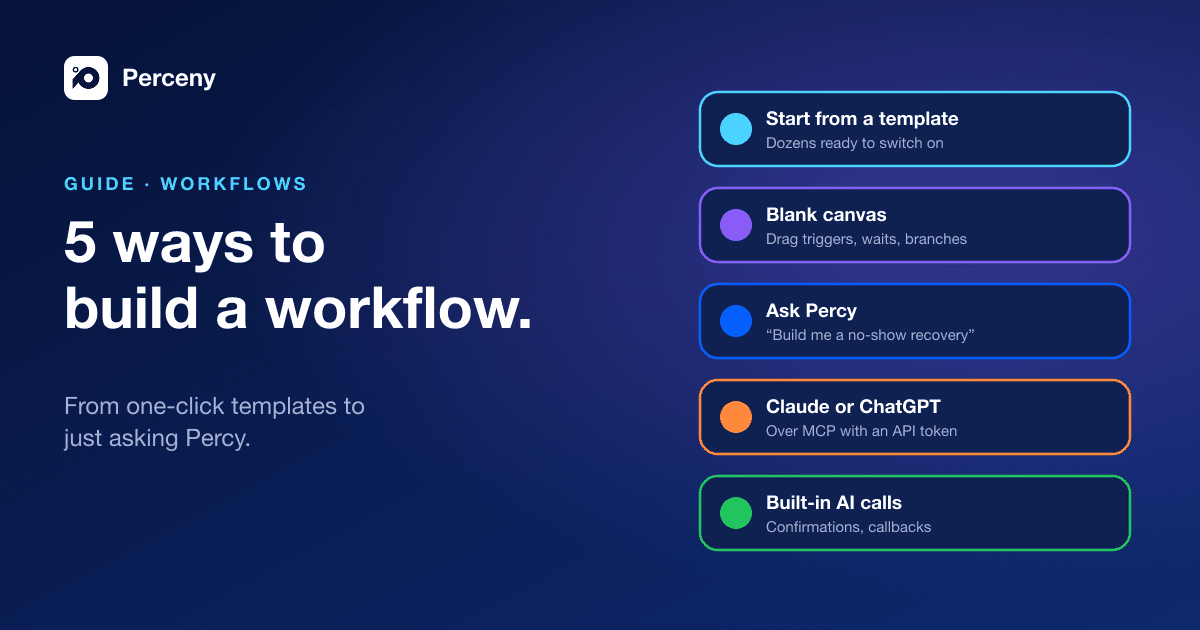
You do not have to design anything from scratch. Workflows come with ready-made templates you can switch on, edit or copy. Some favorites:
- Rebook at Their Natural Interval: a nudge when a client is due, based on how often they actually come.
- Win Back At-Risk Clients: a personal note before a regular quietly drifts away.
- Missed Call Text-Back: an instant text when you could not pick up.
- Invite Clients to Share a Public Review, and Low Rating Recovery for the clients who were not happy.
- No-Show Recovery, Birthday Offer, Offer Waitlist Openings and Finish Abandoned Bookings.
You can also replace the built-in messages, such as reminders, confirmations, cancellation notices and the thank-you after a visit, with your own workflow versions.
Safe by defaultCopy a link to this section
Workflows respect each client's consent to marketing, your quiet hours and a weekly limit on marketing messages, so automation never turns into spam. Before you publish, run a test. Every change is versioned, and every run is logged so you can see exactly who got what and why.
How to get itCopy a link to this section
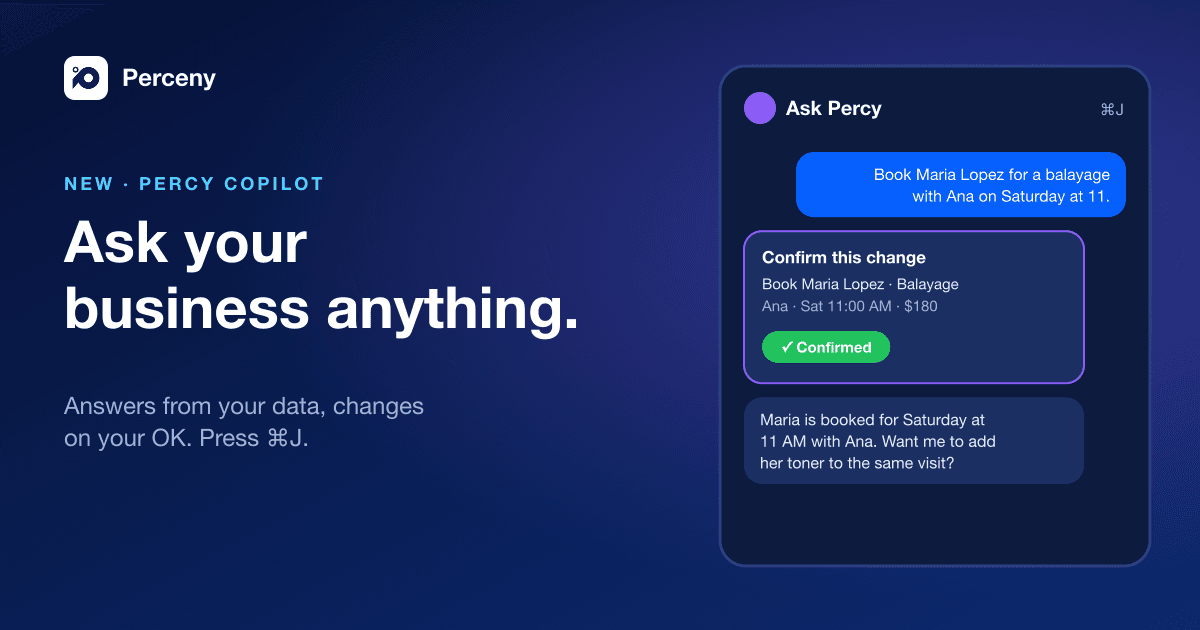
Workflows are included on the Business and Elite plans, under Automation & AI → Workflows. Open Create Workflow for a blank canvas, or start from a template. You can also ask Percy, the copilot inside Perceny, to build one for you.