Introducing the Client Ledger: Let Regulars Pay Once a Month

Some of your best clients do not want to pay every visit. They come in every week, they trust you, and they would rather settle up once at the end of the month. Until now that meant a notebook behind the desk, or a tab nobody could tie back to the visits it was for.
Today store credit becomes the Client Ledger: one running balance per client. A positive balance is credit they prepaid. A negative balance is what they owe for visits put on their ledger.
Put on LedgerCopy a link to this section
Turn on Allow Put on Ledger in your Client Ledger settings and choose how much a client may owe: one default for everyone, and a credit limit of their own for the clients you trust most. At checkout, the Client Ledger option spends any credit they hold and puts the rest on their ledger.
The visit is complete and counted the day it happens: revenue, tax, commission and the stylist's tip are all earned on the visit, exactly as if the client had paid cash.
Reconcile LedgerCopy a link to this section
At the end of the month, open the client's profile and choose Reconcile Ledger. Every open visit is listed with its date and amount: pick all of them, a date range, or just some. Perceny opens one settlement ticket that names the visits it pays off, and you charge it like any other ticket: cash, card, Tap to Pay, a split payment, or a payment link the client pays from their phone.
Paying less is fine. Lower the amount, or take part of it at checkout, and the rest stays on the ledger. A visit already on an unpaid settlement cannot be put on a second one, so nothing is ever settled twice.
Because the visits were already counted, the settlement is not counted again: sales reports, client spend, visit counts, commission and tiers all stay right. The money it takes in shows in your payment reports, the cash register and your Z report under the payment type used.
A tip the client adds when they settle goes to the people who served them: each team member whose visits are on the settlement gets their share, the way your collaboration tips are shared, and it shows once in their earnings and in your sales and tips reports.
Know who owes youCopy a link to this section
- The client list has a Ledger Balance column with quick filters for Owes Money, Has Credit and Zero Balance.
- Reports → Ledger Balances splits what is owed by age: 0–30, 31–60, 61–90 and 90+ days.
- Every client has a Ledger Statement you can print, save as a PDF, or send by text or email with a payment link.
- Clients see their own ledger in your booking page and your branded app, and a Pay Balance button when they owe you.
Percy knows the ledger tooCopy a link to this section
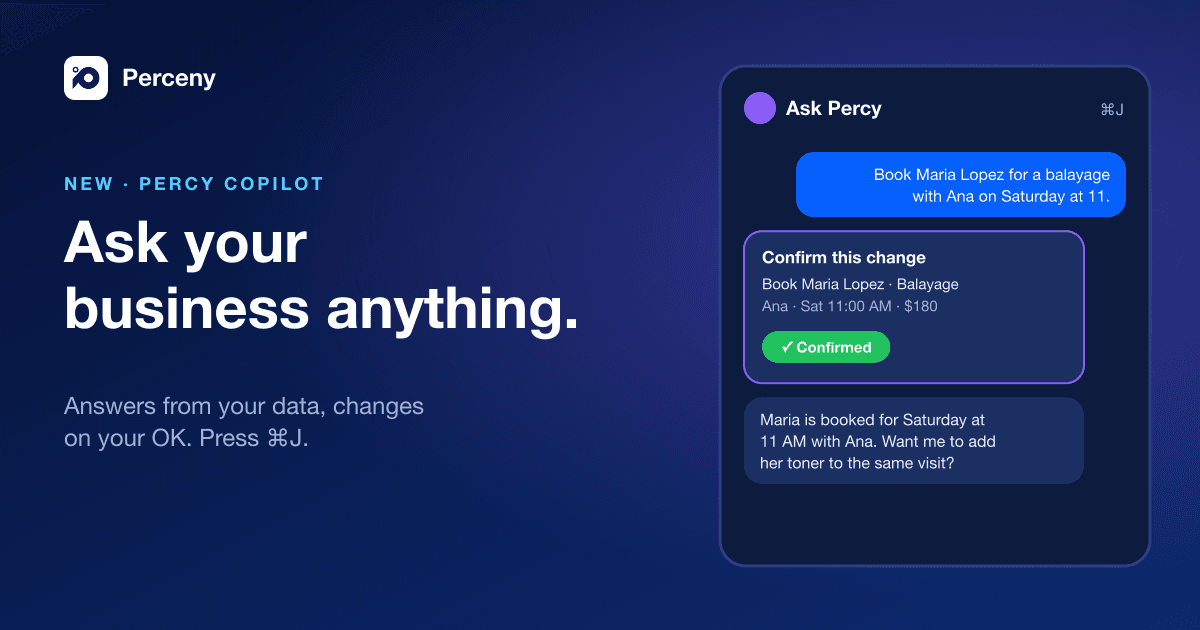
Ask Percy who owes you money, what a client's open visits are, or to reconcile a client's October visits and send them the payment link. It asks you to confirm before it creates or sends anything.
Read the Academy guides to get started: Use the Client Ledger and Reconcile a Client Ledger.